

Online graphic design platform for creating social media posts, presentations, and more.

Canva
Online graphic design platform for creating social media posts, presentations, and more.
Introduction
Canva Key Features
- Drag-and-drop editor with 1,000+ design types
- 1.6M+ free templates; 3.6M+ including premium on paid plans
- AI tools to resize, translate, and remove backgrounds (Pro)
- Brand Kits for colors, fonts, and logos
- Social media content scheduling (Pro)
- Ad insights and AI ad creation
- Cloud storage: 5GB free, 100GB on Pro
What Can You Use Canva For?
- Designing social media posts and ads
- Creating presentations, flyers, and posters
- Producing on-brand marketing assets for small businesses
- Making classroom materials and school projects
- Team design collaboration with brand approvals
Canva Pros & Cons
Pros
- Free plan includes a large template and stock media library
- Easy to learn for non-designers
- Pro includes 141M+ premium photos, videos, graphics, and audio
- Free trial available for Pro and Business
Cons
- Free plan allows only 1 Brand Kit, limited to 3 colors
- AI usage is capped, with an extra-cost AI Pass add-on for more
- Less precise control than professional tools for complex layouts
- Business plan costs more per person, at US$250/year
Canva Pricing
Freemium · from $12/month billed annually. Check the official website for the latest plans and prices.
Canva FAQ
Is Canva free?
Yes. Canva Free costs nothing and includes the drag-and-drop editor, 1,000+ design types, 1.6M+ templates, 4.7M+ photos and graphics, 1 Brand Kit, and 5GB of cloud storage. It also includes limited access to AI features.
How much does Canva Pro cost?
As of November 2026, Canva Pro costs US$144/year for one person (about $12/month), and Canva Business costs US$250/year per person. Enterprise pricing is available through sales. Check the official Canva pricing page for current and regional prices and the monthly billing option.
What is Canva used for?
Canva is an online design tool for social media graphics, presentations, posters, videos, and marketing materials. It is built around templates and a drag-and-drop editor, so people without design training can use it. Pro adds premium content, Brand Kits, scheduling, and more AI tools.
What is the difference between Canva Free and Canva Pro?
Canva Pro adds premium templates (3.6M+ in total), 141M+ premium stock assets, AI tools such as resize, translate, and background removal, 5 Brand Kits, social content scheduling, and 100GB of storage. It also includes 10x more AI usage than the free plan. You can try Pro with a free trial.
What are the best alternatives to Canva?
Well-known alternatives include Adobe Express, Figma, Visme, and VistaCreate. Adobe Express is the closest template-based option. Figma suits more detailed interface and design work.
Canva Alternatives
Looking for something different? Compare these Design tools to Canva.
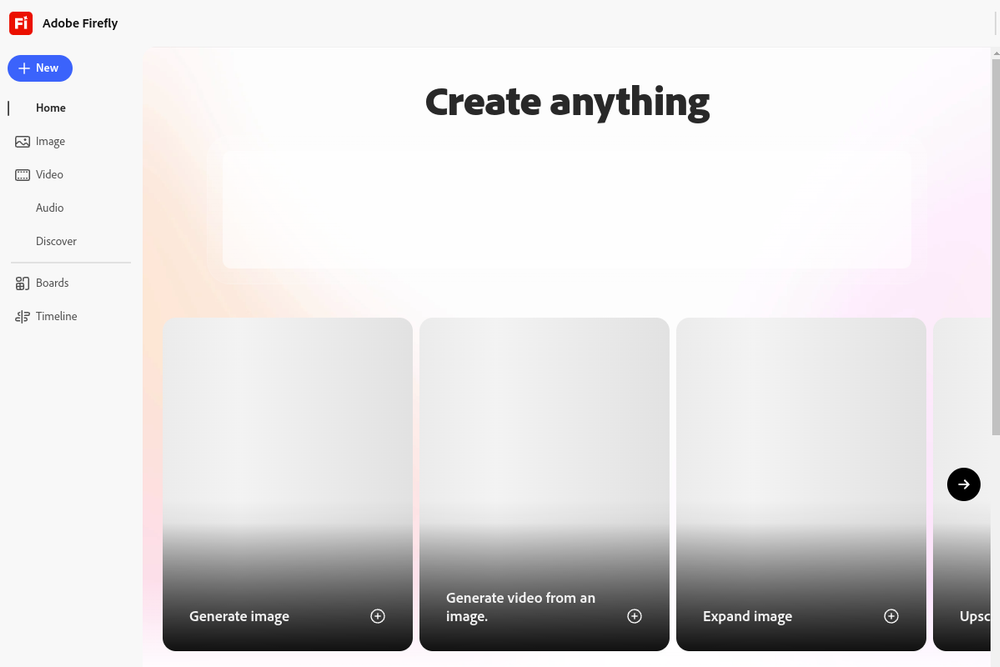
Image & GraphicsVideo & AnimationAudio & MusicDesignMarketing
Adobe Firefly
Details
Adobe Firefly is an all-in-one AI creative studio for generating high-quality images, video, and audio using over 30 specialized AI models.


Image & GraphicsMarketingSocial MediaDesign
FeatureImg
Details
Create blog featured images, Open Graph previews, and social post graphics from templates in your browser. Export as PNG, JPEG, or WebP.
Tooluck Weekly · every Monday
New AI tools and agent skills, once a week
The tools added to Tooluck that week, the newest skills for Claude Code, Codex and Cursor, and one side-by-side comparison. No spam, unsubscribe anytime.