
Automation tool that connects thousands of apps to streamline workflows.

Zapier
Automation tool that connects thousands of apps to streamline workflows.
Introduction
Zapier Key Features
- Zaps: automated workflows connecting 9,000+ apps
- Multi-step Zaps with Filters, Paths and Formatter
- Zapier Tables for structured data and Forms for custom forms
- Zapier Agents and Chatbots for AI-powered automation
- Zapier MCP lets AI assistants take actions in connected apps
- Copilot AI helper for building Zaps
- Webhooks, Code by Zapier and Zapier SDK (beta)
What Can You Use Zapier For?
- Small businesses syncing leads between forms, CRMs and email tools
- Operations teams automating repetitive data entry across apps
- Marketers routing notifications and reports to Slack or email
- Developers giving AI agents access to app actions via MCP or SDK
Zapier Pros & Cons
Pros
- Largest app catalog of any automation tool, per Zapier, at 9,000+ apps
- No coding needed for most workflows
- Free plan plus a 14-day Professional trial with no credit card
- Built-in tools like Filter, Formatter and Paths don't use tasks
Cons
- Task-based pricing rises quickly with high-volume workflows
- Free plan limited to two-step Zaps, 100 tasks/month and 15-minute polling
- AI steps, code and MCP calls consume extra tasks
- Complex multi-step workflows take time to design and debug
Zapier Pricing
Freemium · from $29.99/month. Check the official website for the latest plans and prices.
Zapier FAQ
Is Zapier free?
Yes. Zapier's Free plan costs $0/month and includes unlimited Zaps, Tables and Forms with 100 tasks per month, but only two-step Zaps and 15-minute polling. New accounts also get a 14-day free trial of the Professional plan with no credit card required.
How much does Zapier cost?
As of November 2026, Zapier Professional starts at $29.99/month billed monthly or $19.99/month billed yearly, with prices rising by task tier. Team starts from $69/month on annual billing and includes 25 users, and Enterprise is custom-priced. Check zapier.com/pricing to price your expected task volume.
What is Zapier used for?
Zapier is a no-code automation platform that connects web apps so data moves between them automatically. People use it to sync leads, send notifications, update spreadsheets and CRMs, and increasingly to let AI agents and assistants take actions in other apps.
What are the best alternatives to Zapier?
Make (formerly Integromat) offers visual, scenario-based automation and is often cheaper at high volume. n8n is a self-hostable, source-available option popular with technical teams. Microsoft Power Automate and IFTTT are also common choices.
What counts as a task in Zapier?
A task is used each time a Zap successfully completes an action, such as creating a contact or sending a message. Triggers and polling for new data don't use tasks, and neither do built-in tools like Filter, Formatter and Paths. AI steps, code and MCP calls (two tasks per call) draw from the same shared task pool.
Information
- Websitezapier.com
- Published date2026/03/07
Categories
Zapier Alternatives & Similar Tools
Looking for something different? Compare these Productivity tools to Zapier.
DirectoriesBusinessMarketingProductivityDevelopmentDesign
ToolDisk.com
Details
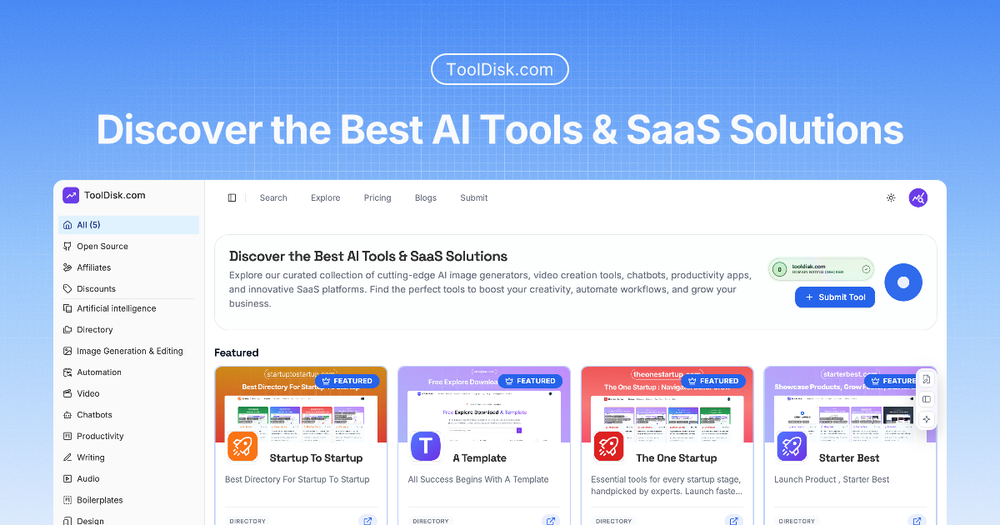
A curated directory to discover the best AI tools, image generators, video creation software, productivity apps, and SaaS solutions for creators and businesses.
WritingBusinessProductivityDevelopmentAudio & Music
DeepL
Details
DeepL is an AI-first translation platform offering high-quality text, document, and real-time voice translation with enterprise-grade security and API access.
Tooluck Weekly · every Monday
New AI tools and agent skills, once a week
The tools added to Tooluck that week, the newest skills for Claude Code, Codex and Cursor, and one side-by-side comparison. No spam, unsubscribe anytime.